
Rajasthan LDC English Typing Test Practice Tool
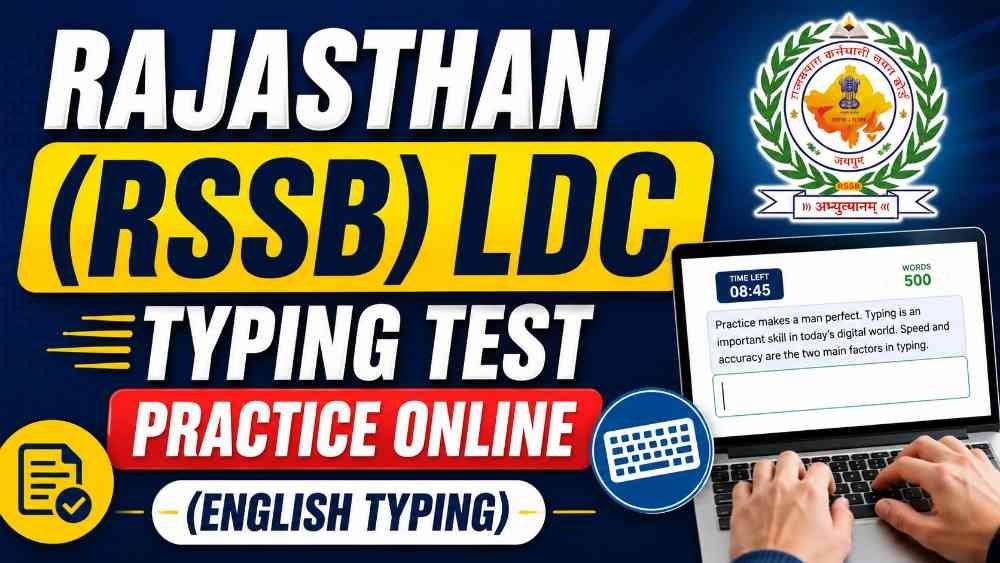
This online typing practice tool is designed for candidates preparing for the English Typing Speed Test conducted for Rajasthan LDC, Clerk Grade-II and Junior Assistant recruitment. Its main purpose is to provide an exam-like typing environment, measure typing speed and accuracy, and generate a detailed performance report. This is not an official government portal. It is an independent practice tool developed according to the commonly followed RSSB typing test pattern.
Test Duration
The total duration of the English Typing Speed Test is ten minutes. The timer starts automatically when the candidate types the first character inside the typing box. The remaining time is continuously displayed at the top of the examination screen. Once the ten-minute duration is completed, the test is submitted automatically and the result is generated without requiring the candidate to press any submission button.
Passage Length
Each typing test contains a passage of exactly five hundred English words. If the original text file contains more than five hundred words, only the first five hundred words are used for the test. If the passage contains fewer than five hundred words, the same words are repeated in their original order until the required limit is completed. This ensures that every test has the same passage length and that all candidates are evaluated on a consistent basis.
How to Attempt the Test
The original passage is displayed on the screen, while a separate typing box is provided below it. The candidate must read the passage and type the same content in the correct order. Proper attention must be given to spelling, capital and small letters, punctuation marks and spacing. Incorrect words, missed words and extra words are identified separately in the final result. Backspace may be used to correct mistakes while typing.
Marking System
The English Typing Speed Test carries a maximum of twenty-five marks. Each correctly typed word is awarded zero point zero five marks. A candidate who types all five hundred words correctly receives the full twenty-five marks. For example, two hundred correct words provide ten marks, three hundred correct words provide fifteen marks and four hundred correct words provide twenty marks. Therefore, typing a large number of words alone is not sufficient. Accuracy is equally important.
Minimum Qualifying Requirement
The practice system uses nine marks as the minimum qualifying target. To obtain nine marks, a candidate must type approximately one hundred and eighty words correctly within ten minutes. This is equal to nearly eighteen correct words per minute. However, candidates should not prepare only for the minimum qualifying level. A practical target of thirty-five to forty-five accurate words per minute provides a stronger chance of achieving a good score.
Speed and Accuracy Calculation
The result displays the total number of typed words, correct words, incorrect words, missed words and extra words. Gross speed is calculated by dividing the total number of typed words by the test duration. Correct-word speed is calculated separately on the basis of accurately typed words. Accuracy percentage is calculated by comparing correct words with the total number of words typed. This helps candidates understand whether they need to improve their speed, accuracy or both.
Test and Passage Sources
The tool can collect passages from the main Rajasthan LDC typing test category as well as from additional English typing practice categories. This system increases the number of available practice passages and prevents candidates from repeatedly receiving the same content. Where passage levels are available, candidates may also filter tests according to easy or difficult categories. Free users may receive access to a limited number of tests, while premium users may access the complete test collection.
Font Size and Examination Screen
The practice interface allows candidates to change the typing font size according to their comfort. The default font size is twenty-four pixels. When a different size is selected, the tool displays a warning that font-size adjustment may not be available in the actual examination. The typing test opens in full-screen mode to reduce distractions and create a more realistic examination environment. A desktop or laptop with a standard physical keyboard is recommended for proper practice.
Detailed Result and Error Analysis
After the test is completed, the tool generates a detailed analysis of the candidate’s performance. Correct words are highlighted in green, while incorrect, missed and extra words are shown with separate visual indicators. The candidate can review marks, gross speed, correct-word speed, accuracy percentage and the complete error breakdown. This detailed report helps identify repeated spelling mistakes, unnecessary extra words and words that were skipped during typing.
How to Improve Performance
Candidates should practise at least one complete ten-minute test every day. The main focus should remain on accurate typing rather than uncontrolled speed. After each test, candidates should review their incorrect words and type them again several times. Regular practice with unfamiliar passages, punctuation marks, capital letters and long words can gradually improve confidence, rhythm and overall typing performance.
Important Information
This tool is intended only for practice and self-evaluation. The final rules regarding test duration, keyboard layout, font, minimum qualifying marks, marking system, examination date and evaluation method will be determined by the latest official notification issued by the Rajasthan Staff Selection Board. Candidates should regularly check official instructions and use this practice tool as a supporting preparation resource.